Steam Frame Gets SteamOS 0.4: Better Battery, Cleaner Streaming, and SteamVR 2.18.3 Beta
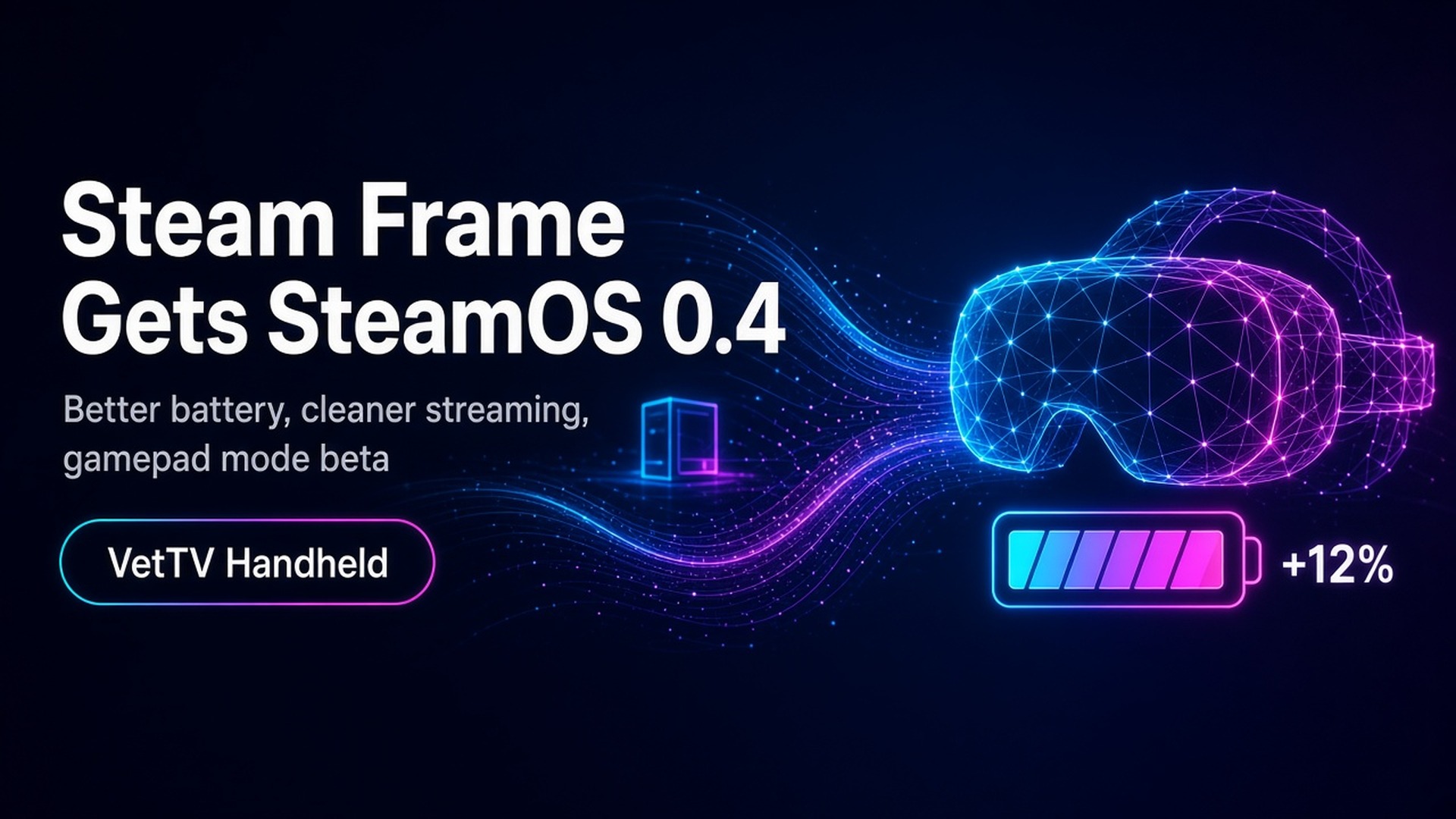
Valve's latest Steam Frame update promises up to 12% better battery life, fixes streaming color clarity, and publishes CAD files for mods, while the SteamVR 2.18.3 beta makes the Frame's controllers act as a gamepad in VR games without VR controls.
By Vet, VetTV Handheld
Steam Frame owners got a meaningful update last week. SteamOS 0.4 for Steam Frame went out to all users on the stable channel on October 8, and Valve followed up with SteamVR beta 2.18.3 on the PC side. Here’s what’s in both, and which parts need extra steps.
SteamOS 0.4: the headline is battery
Battery life has been one of the most common complaints about the Frame. Road to VR’s review put it at roughly 1 to 1.5 hours of mixed use before this update. Valve’s changelog now says SteamOS 0.4 brings “improved power efficiency and battery lifetime during both streaming and local gameplay, with gains of up to 12%.” Valve adds that results vary depending on frame rate and content, so treat 12% as a best case, not a guarantee.
Streaming improvements, with one catch
- Improved color clarity during VR streaming. Valve says it fixed a headset chroma regression.
- Fewer “Error 17” failures. Error 17 is a PC VR streaming connection error. The catch: Valve says that on the PC you must also opt into SteamVR 2.18.2 or later to reduce Error 17 issues, and at release that version was only on the SteamVR beta branch. Updating the headset alone isn’t enough.
Connectivity fixes
Valve also fixed Wireless Adapter connectivity problems that affected users in some countries. Valve doesn’t name the countries. Manual configuration now shows the correct list of Wi-Fi channels in all regions.
Settings and accessibility
- Presence Sensor Sensitivity is now a user setting, under VR Settings > Startup / Shutdown > Presence Sensor. A new high sensitivity option keeps the displays on in more situations, such as when you’re using glasses spacers.
- Dominant Eye: you can now set your dominant eye in VR Settings. It controls which eye is used for spectator view, screenshots, and so on.
- Track Dominant Eye Only: a new accessibility option, under VR Settings > General, limits eye tracking to a single eye. You’ll need to enable “show advanced settings” to see it.
Fixes worth knowing
- Controller bindings now load correctly for certain games, including Google Earth VR and Thumper.
- Better focus handling and gamepad navigation in the dashboard, plus a fix for flickering dashboard panels.
- “Return to Gaming mode” now works when the headset starts up directly in Desktop mode.
- A new option to turn off spectator view smoothing, under VR Settings > Developer (in the headset).
- An updated embedded browser with crash fixes, plus miscellaneous performance and stability improvements.
Valve publishes CAD files for mods
Valve has also made Steam Frame CAD files and electrical interface information available for non-commercial use, so modders can design add-ons like straps, mounts, and spacers more easily. GamingOnLinux notes that commercial use still requires talking to Valve directly.
SteamVR 2.18.3 beta: Frame controllers as a gamepad
On the PC side, Valve posted SteamVR beta 2.18.3 on the evening of October 9 (Central time). The headline change:
- By default, Steam Frame controllers now use gamepad input in VR games that don’t support VR inputs. You can change the preferred mode per game, in that game’s Steam Input settings or in VR Controller settings on the Now Playing page. Valve asks people to report titles that don’t work out of the box.
Note what this covers: VR games without VR controller support, like older PC VR titles that shipped with only gamepad controls. It is not about flat-screen games. And there’s a requirement: the SteamVR notes say it requires Steam Beta and SteamVR Beta. The matching Steam client note says both the Frame and the PC must be on the beta channel for Steam and SteamVR.
Other 2.18.3 changes:
- Linux: fixed a game crash when an invalid texture size is submitted, and fixed OpenXR games crashing on launch if SteamVR wasn’t already running.
- Steam Link: fixed colors looking greyer than they should with certain AMD GPUs, and removed the requirement for the VK_KHR_maintenance9 Vulkan extension on Linux so older graphics drivers work. (Mixed News points out that Valve’s changelog misspells the extension’s name.)
- SteamVR: fixed an error when saving new bindings for an app with no default binding set.
As of Mixed News’ check on October 10, SteamVR’s latest stable release was still the 2.17 series (Hotfix 2.17.10), and every 2.18 release so far has been a beta. Valve hasn’t said when 2.18 will reach stable.
My take
If you own a Frame, SteamOS 0.4 is a no-brainer: better battery, better streaming color, and some useful comfort and accessibility settings. If you stream from a PC and keep hitting Error 17, you’ll want the SteamVR beta too. And the CAD files are great news for the modding community. I expect we’ll see some clever 3D-printed accessories soon.
Subscribe at youtube.com/@VetTVHandheld.
Sources
- Valve, “SteamOS 0.4 for Steam Frame” (Steam News): https://store.steampowered.com/news/app/4165890/view/675134162359812787
- Valve, “SteamVR Beta Updated - 2.18.3” (Steam News): https://store.steampowered.com/news/app/250820/view/705533459844565864
- Road to VR, “Steam Frame Update Boosts Battery Life, Improves Streaming Quality & More” (Oct 12, 2026): https://roadtovr.com/steam-frame-battery-streaming-update-oct-26/
- GamingOnLinux, “SteamOS 0.4 for Steam Frame is out now with better power efficiency and battery lifetime”: https://www.gamingonlinux.com/2026/10/steamos-0-4-for-steam-frame-is-out-now-with-better-power-efficiency-and-battery-lifetime/
- GamingOnLinux, “Steam Frame CAD files released, plus an update on reservation waiting times”: https://www.gamingonlinux.com/2026/10/steam-frame-cad-files-released-plus-an-update-on-reservation-waiting-times/
- Mixed News, “Steam Frame controllers now act as a gamepad in VR games with no VR input. Three betas needed.”: https://mixed-news.com/en/steam-frame-controllers-gamepad-input-vr-games-three-betas/
- Mixed News, “Valve’s promised Linux VR fixes are in a beta, and its changelog misspells one of them”: https://mixed-news.com/en/steamvr-beta-2-18-3-linux-fixes-amd-grey-colours-vulkan/
- SteamDB, SteamVR Beta 2.18.3 patch notes: https://steamdb.info/patchnotes/25839986/
- topvrnews, “SteamOS 0.4 reaches every Steam Frame, but Error 17 still needs a PC SteamVR beta”: https://topvrnews.com/news/steamos-0-4-steam-frame-error-17/