The VetTV Channel Guide Is Live: A Retro Cable-Style TV Guide for YouTube
Version 1 of my retro cable-style TV guide for YouTube is now live, free and with no sign-up. Here's what changed on October 19 and the roadmap from v1.1 to v2.
By Vet, VetTV Studios
Time for a status report on one of my VetTV Studios side projects: the VetTV Channel Guide. As of October 19, 2026, at about 1:13 PM CT, it’s live and public. It’s free, and there’s no sign-up.
Try it: https://vettv-channel-guide.vercel.app
What it is
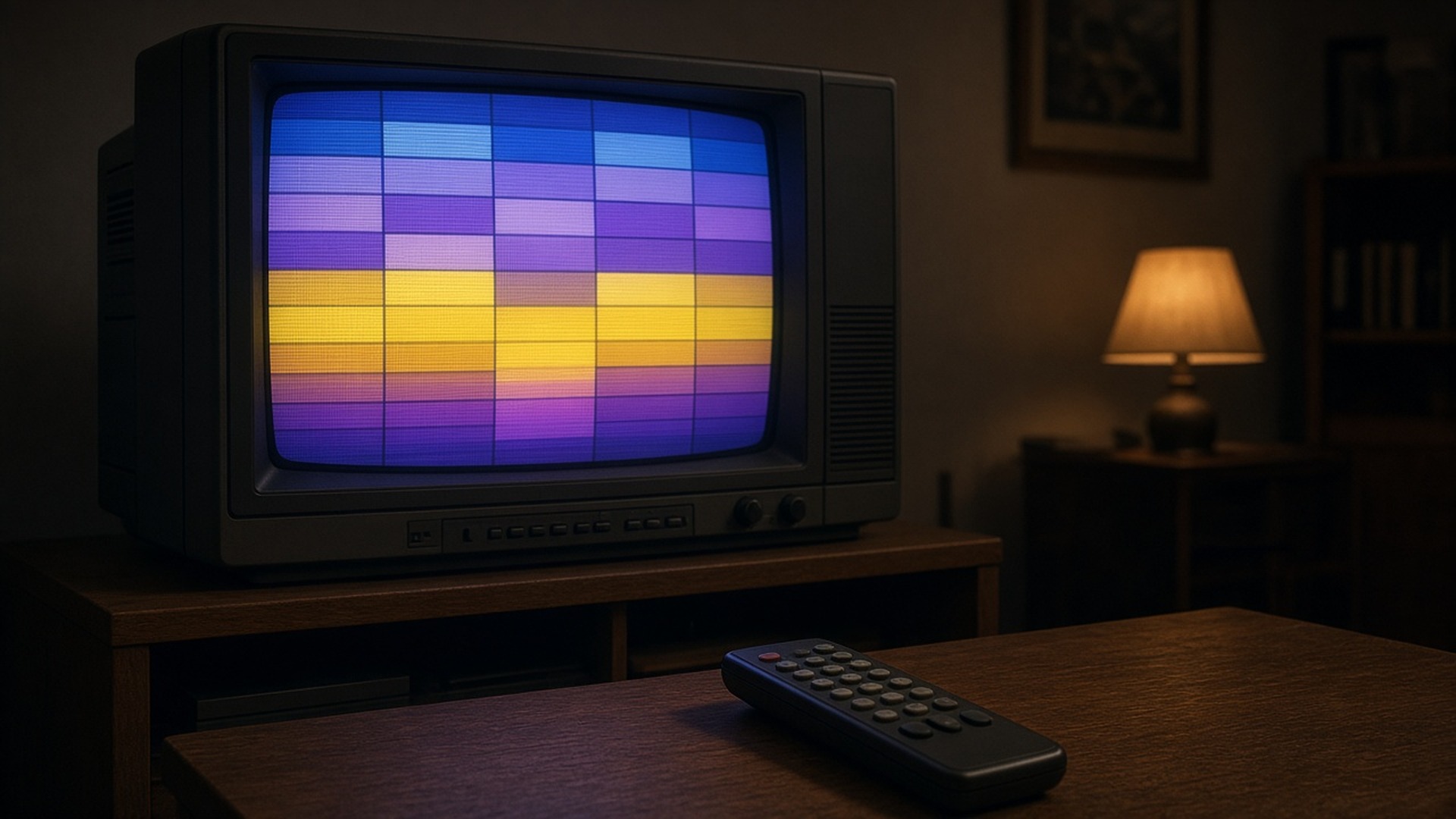
The VetTV Channel Guide is an original VetTV web app that brings back the feel of flipping through a retro cable TV guide. You browse a channel grid with a 90s CRT glow and channel-bug chrome, click a channel, and settle in for lean-back fullscreen viewing.
All video plays through YouTube’s official embedded player. Nothing is self-hosted. The Guide is a way to browse and watch YouTube channels, not a place that stores or rehosts anyone’s videos.
The lineup
Out of the box, the Guide carries 21 hand-picked YouTube channels that work well in embeds. They lean toward 80s, 90s and early-2000s nostalgia, with channels like LGR, Techmoan, NickRewind, RetroCrush, MTV, VH1 and Defunctland. There are also some lean-back staples for when you just want something on, like LoFi Girl, NASA and NPR Music.
To be clear, VetTV isn’t affiliated with any of these channels or brands. They’re simply channels I think fit the vibe.
You aren’t stuck with my picks, either. You can paste in your own YouTube channels or playlists, and the Guide saves them in your browser.
Under the hood
The Guide is built with Next.js and TypeScript and is hosted on Vercel.
What happened on October 19
It was a busy day of cleanup and one important fix:
- Security update: I merged a Next.js security update, taking the project from 16.3.6 to 16.3.8.
- Hotfix: I merged a hotfix that cleared the issues flagged in the production dependency audit, along with a code-quality error.
- The big bug: I found and fixed a bug that kept videos from playing. Playlists were being sent an empty video ID, so nothing would start. That’s fixed.
After the fix, browser testing confirmed that LGR, NASA, an imported channel and an imported playlist all play.
Where it stands
Version 1 is live. I checked it on the public site: the 21-channel grid is there, playback works (I tried LGR, NASA and an imported playlist), and channels you import are saved in your browser.
What’s next
Here’s the roadmap. These are plans, not promises, and there are no dates attached.
- v1.1: Add YouTube Data API lookups and refresh the curated default channels.
- v1.2: Add Guide Central, a time-grid view, plus a 90s-style nostalgia scroll channel.
- v2: Add accounts and an optional paid supporter tier.
The free version comes first. The supporter tier is planned as optional and comes later, after the free version.
My take
This one’s been a blast to build. The CRT glow and channel bugs are pure nostalgia for me, and finally seeing an imported playlist play from start to finish after chasing that empty-video-ID bug felt great. Now it’s out there, and I’d love for you to give it a spin. I’ll post again when v1.1 lands.
Sources
- YouTube IFrame Player API reference: https://developers.google.com/youtube/iframe_api_reference