VetTV Retro OS Dev Log: The Launch Hook Is In, and the Launcher Is Written
Retro OS now sends each old program to the right place: DOS games to DOSBox-X, Windows 3.x programs to WineVDM, and modern apps run natively. Here's where my ReactOS fork stands this October and what the next test build brings.
By Vet, VetTV Studios
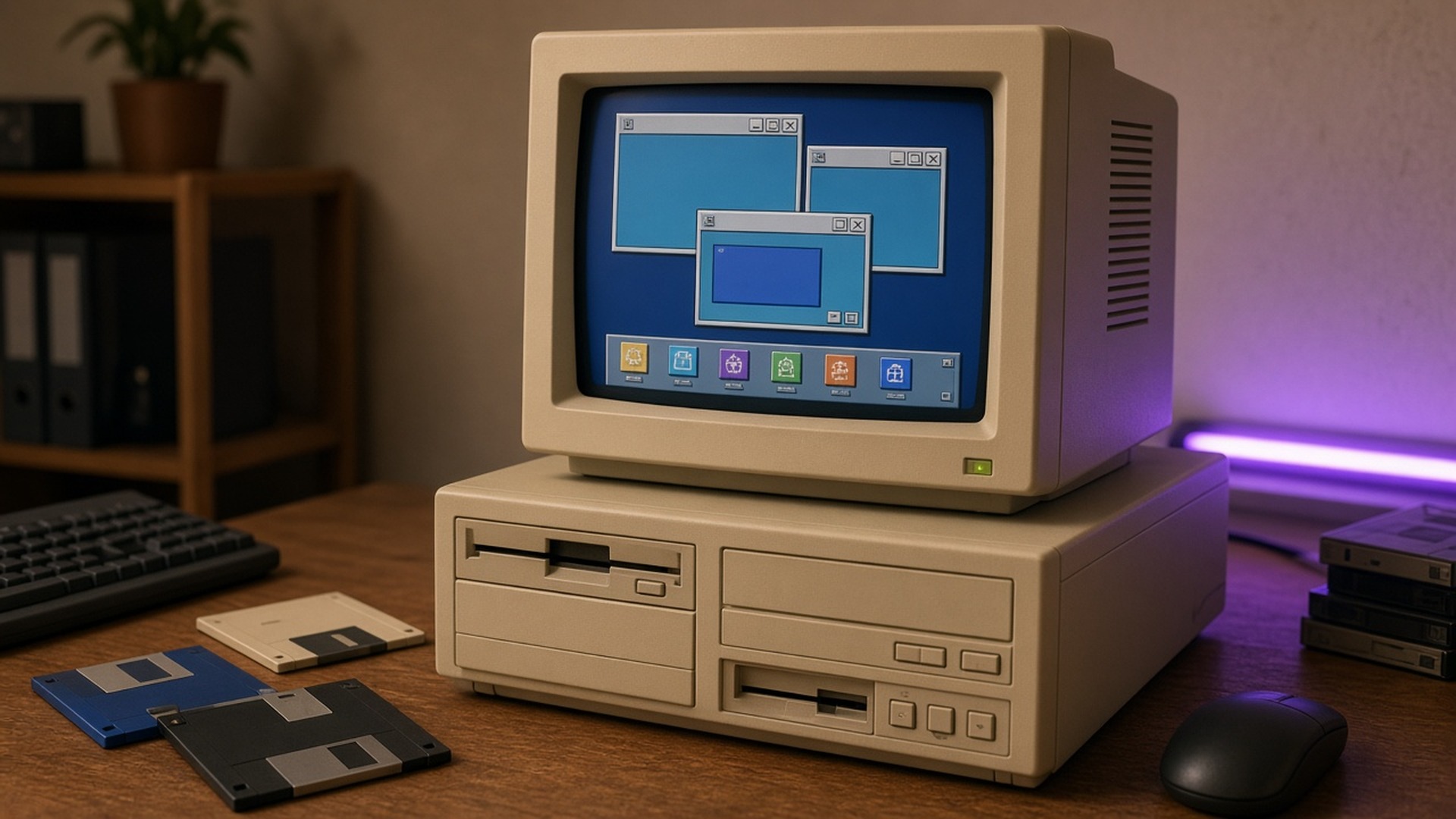
Time for an honest progress report on VetTV Retro OS. If you’re new here, Retro OS is my own project. It’s a fork of ReactOS, the open-source operating system built to be compatible with Windows apps, with DOSBox-X built in for old DOS and Windows 3.x games. The goal is a nostalgia gaming OS that’s neither Windows nor Linux.
Here’s what’s done, what isn’t, and what comes next.
Retro OS is on GitHub
The project now lives at github.com/VetTV-Studios/reactos. That’s where all the work below happens.
The launch hook is merged
This is the big one. The launch hook is merged into main and passed QA. When you open an old program, Retro OS now checks what kind it is and sends it to the right place:
- DOS games go to DOSBox-X.
- Windows 3.x programs go to WineVDM.
- Normal Windows programs run natively.
In testing, SkiFree went to WineVDM and a DOS-extender test file went to DOSBox-X, both correctly.
QA also earned its keep. Before the merge, it caught a bug that would have sent every Windows 3.x game to DOSBox-X, and we fixed it. A second fix makes sure Borland DOS-extender games stay on DOS where they belong.
Test builds boot to the desktop
Retro OS test builds boot to the desktop in QEMU virtual machines. Real-hardware testing on my Asus hasn’t started yet, so I don’t have any hardware results to share.
A big upstream sync, almost ready
I keep Retro OS in step with upstream ReactOS. A sync that brings in 204 recent upstream changes builds and passes most of its QA checks, but not all of them yet. It isn’t merged into main. It’ll go in once it’s clean.
The VetTV game launcher, first version
The first version of the VetTV game launcher is written. It’s a console-style game library you drive with the keyboard, with three shelves: DOS & 16-bit, 32-bit PC and All. Here’s what it does:
- Finds your games: It looks for a Games folder on any drive.
- Picks the right layer: It detects each game’s type and launches it in the right layer.
- Launches cleanly: Games start without a console window popping up.
To be clear, the launcher hasn’t run on Retro OS itself yet. That’s part of the next step.
NTFS is coming from upstream
Upstream ReactOS just made a big leap with its NTFS driver. On October 17, the ReactOS team announced on X that you can now install and use ReactOS on NTFS, and that NTFS formatting support has been added. We plan to bring that into Retro OS with a later upstream update.
Licenses and what’s included
I audited the licenses for the parts Retro OS builds on:
- DOSBox-X: GPL-2.0 or later
- WineVDM: GPL-2.0, with parts from Wine under the LGPL
- jsmn: MIT
Retro OS includes no Microsoft files and no games. You bring your own.
What’s next
- A test build with everything in it: The next test build puts DOSBox-X, WineVDM and the launcher into the image, so we can test real DOS and Windows 3.1 games from start to finish. Until then, I’m not claiming any real games run all the way through.
- Gamepad support: The launcher is getting gamepad support next.
- An Add-game wizard: This will make it easier to put games on the shelves.
- The upstream sync: The 204-change sync gets merged once it passes all its QA checks.
- NTFS: NTFS support comes in with a later upstream update.
- Real hardware: Testing on the Asus is still ahead.
There’s no release date or download yet. I’d rather show you a game booting from start to finish than promise a date. Thanks for following along. More soon.
Sources
- VetTV Retro OS on GitHub: https://github.com/VetTV-Studios/reactos
- ReactOS on X, NTFS install and formatting announcement (October 17, 2026): https://x.com/reactos/status/2111565384767922202