Windows 11 Brings Your Phone Into the Start Menu, and Settings May Be Testing a Store Version
Microsoft has confirmed phone message previews in Start and phone controls in Quick Settings. Separately, a Store app spotted by Windows Latest hints that Settings could one day update through the Microsoft Store, but it's only a test.
By Vet, VetTV Handheld
There are two Windows 11 stories this week, and they’re in very different states. One is official from Microsoft. The other is a code-level finding that hasn’t been announced. Here’s the difference.
Confirmed: more of your phone in Start
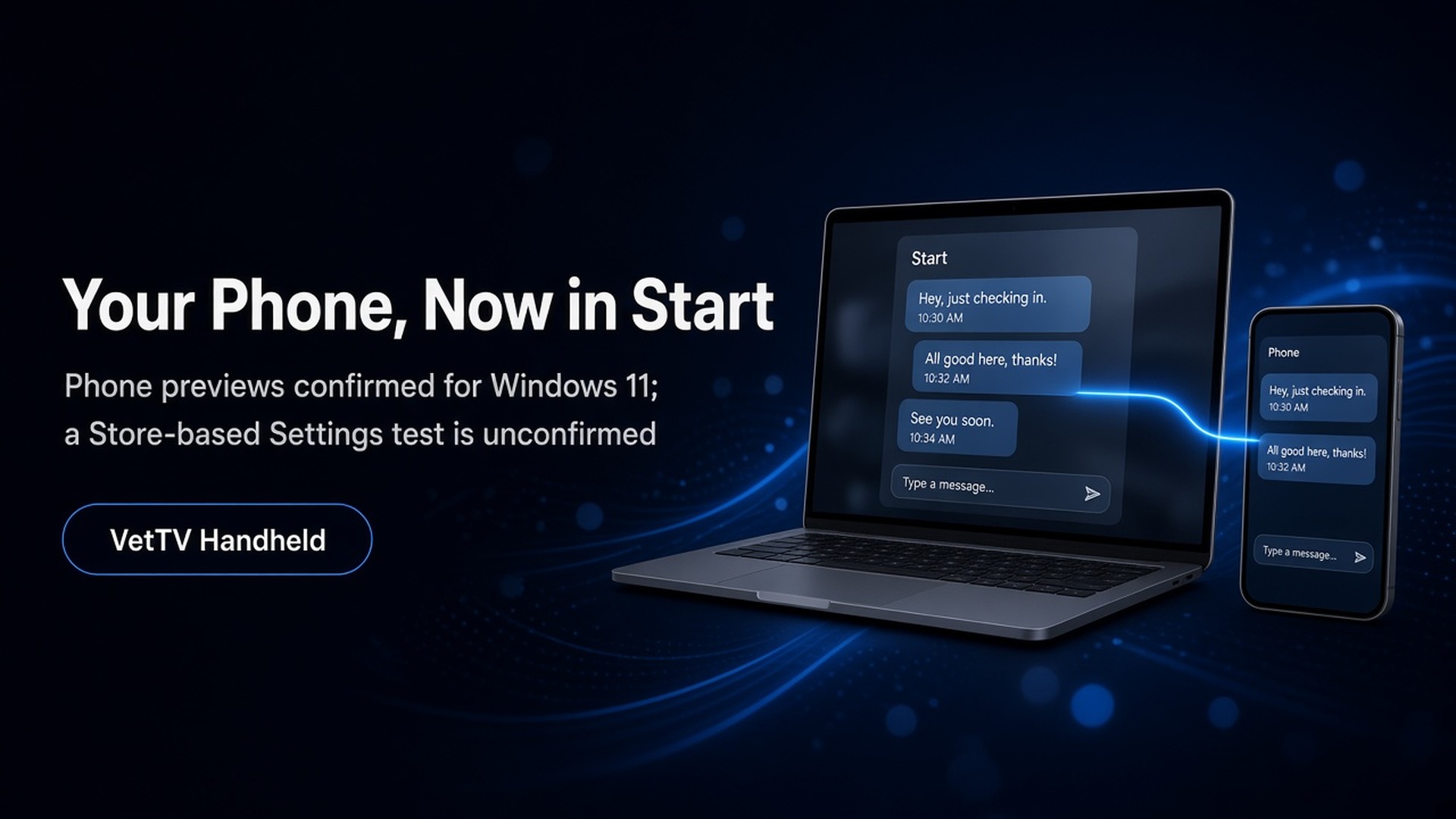
In its October 15 Windows Experience Blog post, Microsoft (in a post by Navjot Virk) says Windows 11 “brings more of your phone experience to your desktop.” Here’s what’s coming:
- Message and notification previews in Start: “Preview messages and notifications from your Android phone or iPhone in Start to see what needs your attention.”
- Focused chat windows: when a conversation needs a reply, you can open it in its own window, send your response, and get back to work.
- Phone controls in Quick Settings: you can silence your phone or make it ring if you’ve misplaced it.
- Android-only extras: with a supported Android phone, you can open phone apps in separate resizable windows, browse your phone’s files in File Explorer, get a PC notification for new photos, and use Resume to pick up supported activities.
Microsoft’s footnote says this requires a compatible Android phone or iPhone, and that “features vary by mobile platform.” Microsoft didn’t give a release date for the phone features. The same post says the new Windows Search is available to Windows Insiders now and will roll out more widely “later this year.” Interacting with your phone from Search is listed as “coming soon.”
What’s already out: Microsoft’s support page for the existing “Mobile device in Start” panel says it’s “being gradually rolled out.” It shows battery and connection status, Messages, Calls, recent activity and Send Files (plus Photos on Android). It needs Phone Link version 1.25032.82.0 or later. You can turn it off under Settings > Personalization > Start > Show mobile device in Start.
Unconfirmed: Settings as a Microsoft Store app?
This is a code and app finding, not a Microsoft announcement. On October 16, Windows Latest reported finding a Microsoft Store app called “Project Odeon.” It has the Windows 11 Settings icon and looks almost identical to the Settings app. Here’s what Windows Latest found:
- The listing is published by Microsoft Corporation and labelled Preview. The package is Microsoft.ProjectOdeon version 1.0.9.0, it requires build 26100 or newer, and installing it required Developer Mode.
- On an Insider VM, it ran alongside the built-in Settings app without replacing it.
- It includes helper programs for things like renaming the PC, changing the time zone and printer settings. Windows Latest says the file names “suggest that the package may be testing focused system experiences instead of replacing the existing Settings app.”
- Windows Latest itself says it “remains a test, not confirmation of Microsoft’s plans,” and that “there is currently no evidence that the app will receive a public release.”
XDA Developers and PC Gamer picked up the report. Their analysis, not confirmed: a Store-delivered Settings app could get fixes without waiting for Windows Update and could speed up moving the remaining Control Panel options into Settings. Microsoft hasn’t commented in any of the coverage I found.
What it means for me
I run Windows 11 26H2 on my iMac and my Asus. Opinion: previewing phone messages in Start sounds handy, but I’d check what shows up on a shared screen once it arrives. As for Odeon, I’d treat it as an experiment until Microsoft says otherwise.
Subscribe at youtube.com/@VetTVHandheld.
Sources
- Windows Experience Blog, “What’s new in Windows 11: Everyday experiences, reimagined” (Oct 15, 2026): https://blogs.windows.com/windowsexperience/2026/10/15/whats-new-in-windows-11-everyday-experiences-reimagined/
- Microsoft Support, “Mobile device in Start Menu”: https://support.microsoft.com/en-us/windows/apps/phonelink/mobile-device-in-start-menu
- Windows Latest, “Windows 11 could kill Control Panel faster, as Microsoft quietly tests Settings in the Microsoft Store” (Oct 16, 2026): https://www.windowslatest.com/2026/10/16/windows-11-could-kill-control-panel-faster-as-microsoft-quietly-tests-settings-in-the-microsoft-store/
- XDA Developers, “Microsoft’s Project Odeon may turn Windows 11’s Settings into a Microsoft Store app”: https://www.xda-developers.com/microsofts-project-odeon-may-turn-windows-11s-settings-into-a-microsoft-store-app/
- PC Gamer, “Windows Settings might become more useful and get quicker updates if this new hidden app is anything to go by”: https://www.pcgamer.com/software/windows/windows-settings-might-become-more-useful-and-get-quicker-updates-if-this-new-hidden-app-is-anything-to-go-by/