WinUI Gallery 3.0 Goes Experimental: TableView, Charts, Inking, and More
Microsoft's showcase app for WinUI 3 now runs on the experimental Windows App SDK 2.5.4, so developers can try upcoming controls and send feedback before the APIs are locked.
By Vet, VetTV
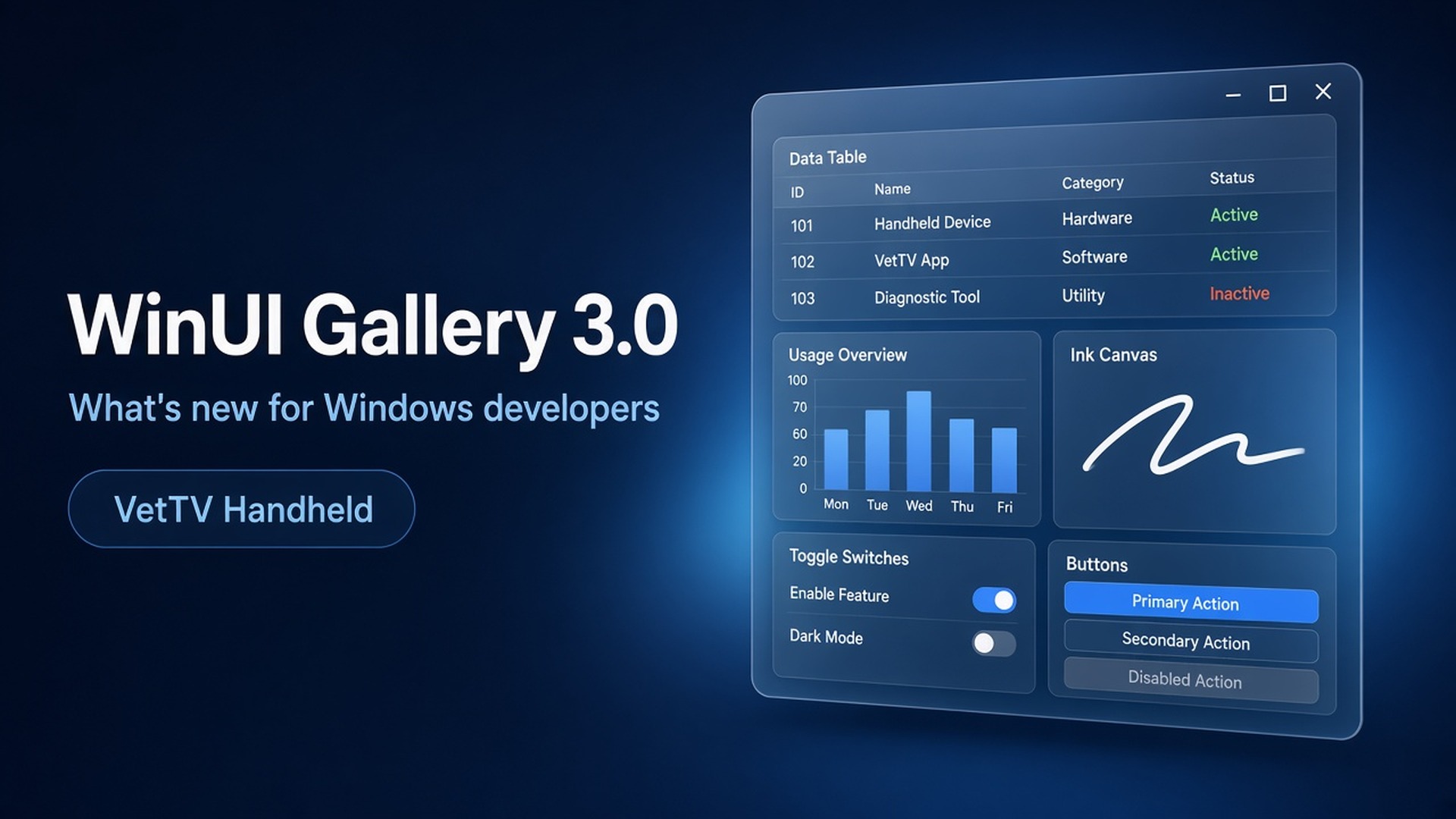
If you build Windows apps, or just like poking at where Windows 11’s design is headed, WinUI Gallery is the app to have installed. It’s Microsoft’s interactive catalog of WinUI 3 controls, samples, design guidance, and tools. Today, October 13, 2026, Microsoft released WinUI Gallery 3.0, and it marks a real change in how the app works.
A quick naming note
Microsoft’s own coverage points this out, and it’s worth repeating: WinUI Gallery 3.0 is a version of the app. WinUI 3 is the UI framework inside the Windows App SDK. The similar names are a coincidence.
The big change: the Gallery goes experimental
Until now, new controls usually showed up in the Gallery only after they reached a stable Windows App SDK release. By then, as Senior Product Manager Niels Laute wrote on the #ifdef Windows blog, “the APIs were mostly locked, and there wasn’t much room left to change them based on what you told us.”
Starting with 3.0, the Gallery targets the experimental channel of the Windows App SDK, currently 2.5.4-experimental, and ships it self-contained, so you don’t have to install anything extra. Microsoft gives two reasons:
- Sample code sooner. When a new experimental WinUI release ships, the Gallery can ship samples for it right away, and you can copy working XAML and C# into your own project.
- Feedback sooner. Experimental APIs can still change, so early feedback can actually shape the stable versions.
Pages that cover experimental APIs carry an Experimental badge in the navigation pane, and experimental samples show a warning in their source panel. Microsoft is clear that these APIs can change or be removed, so don’t ship them in production apps yet. You can also now see which Windows App SDK version and channel the Gallery is running on, right on the Home and Settings pages.
New experimental controls
This release adds samples for a batch of controls coming to WinUI:
- TableView. A new native control for showing and editing large tabular data sets. Five examples cover sorting, selection, and column resizing with a frozen first column; filtering and grouping with a shared
TableViewSource; custom cell templates; editing with validation; and density, grid lines, and row banding across 1,000 virtualized rows. - Charts. The new
Microsoft.UI.Xaml.Controls.Chartsnamespace covers line and bar charts, legends, axis ranges, grid lines and tick marks, combined series, data markers and labels, date-time data, and a series that updates live from anObservableCollection. - InkCanvas and InkToolbar. Inking is coming to WinUI 3. You can draw with pen, touch, or mouse, customize the toolbar with pens, pencils, highlighters, and an eraser, and save and restore ink strokes.
- WrapPanel and LayoutPanel. WrapPanel wraps items onto new rows or columns. LayoutPanel lets a panel use
Layoutobjects like the ones ItemsRepeater uses. - PagerControl. Numbered pagination, including display modes and “unbounded” pagers for when you don’t know the total page count.
- Simpler windowing APIs. New experimental
Width,Height,MinWidth,MinHeight,MaxWidth, andMaxHeightproperties on Window, with live NumberBox inputs to try them. The Windowing section is now called Window.
Easier to get around
- Mouse back and forward buttons now navigate the Gallery like a browser.
- Better search. Every control page has search tags, so searches like “context menu,” “carousel,” or “WCAG” find the right page.
- No more dead ends. An empty search now shows your query, a few tips, and a button to view all samples.
More sample updates
Existing samples got plenty of attention too:
- Lists: FlowLayout virtualization in ItemsRepeater, and
ScrollIntoViewalignment and scroll-position persistence in ListView. - TitleBar: a stretching search box plus
TitleBar.IsDragRegion. - Media and devices: thumbnails in storage pickers, animated GIFs in Image, and camera selection in CaptureElement.
- Templates and themes: building a
DataTemplatein code with the newDataTemplateElementFactoryconstructor, andSetThemeResourceBindingto keep resources set from code in sync with the theme.
Under the hood, the Windows Application Packaging project (.wapproj) is gone and settings now use ApplicationDataSettingsProvider. There are also more than ten accessibility fixes (Narrator, keyboard navigation, focus visibility, contrast, and accessible names), fixes to malformed XAML in 13 code snippets, and the ListBox sample has been removed in favor of ListView.
Why it matters for developers
This is a shift in Microsoft’s approach to building WinUI in the open. The Gallery has been the reference for “how do I use this control.” Now it’s also the fastest way to try controls before they’re final. Native TableView and Charts in particular fill gaps that WinUI developers have long covered with third-party libraries. The moment to argue for API changes is now, while they’re still experimental, not after they ship as stable.
Feedback on the samples goes to the WinUI Gallery repo. Feedback on the controls themselves goes to the WinUI (microsoft-ui-xaml) repo.
You can get WinUI Gallery 3.0 from the Microsoft Store. The GitHub release is tagged v3.0.4.
Sources
- Niels Laute, “WinUI Gallery 3.0 is here: TableView, Charts, InkCanvas and more,” #ifdef Windows blog (Oct 13, 2026): https://devblogs.microsoft.com/ifdef-windows/winui-gallery-3-0-is-here-tableview-charts-inkcanvas-and-more/
- microsoft/WinUI-Gallery releases, v3.0.4: https://github.com/microsoft/WinUI-Gallery/releases
- microsoft/microsoft-ui-xaml releases (WinUI 3 in WinAppSDK 2.5.4-experimental): https://github.com/microsoft/microsoft-ui-xaml/releases
- Windows Central, “Microsoft is changing how Windows 11 apps are built by updating its blueprint” (Oct 13, 2026): https://www.windowscentral.com/software-apps/microsoft-is-changing-how-windows-11-apps-are-built-by-updating-its-blueprint