Deck Live: I Built a Decky Plugin to Stream Straight From Game Mode
Version 1.0.0 of my Decky Loader plugin streams gameplay to YouTube or Twitch from the Quick Access menu, with no Desktop Mode, no OBS, and no extra PC.
By Vet, VetTV Handheld
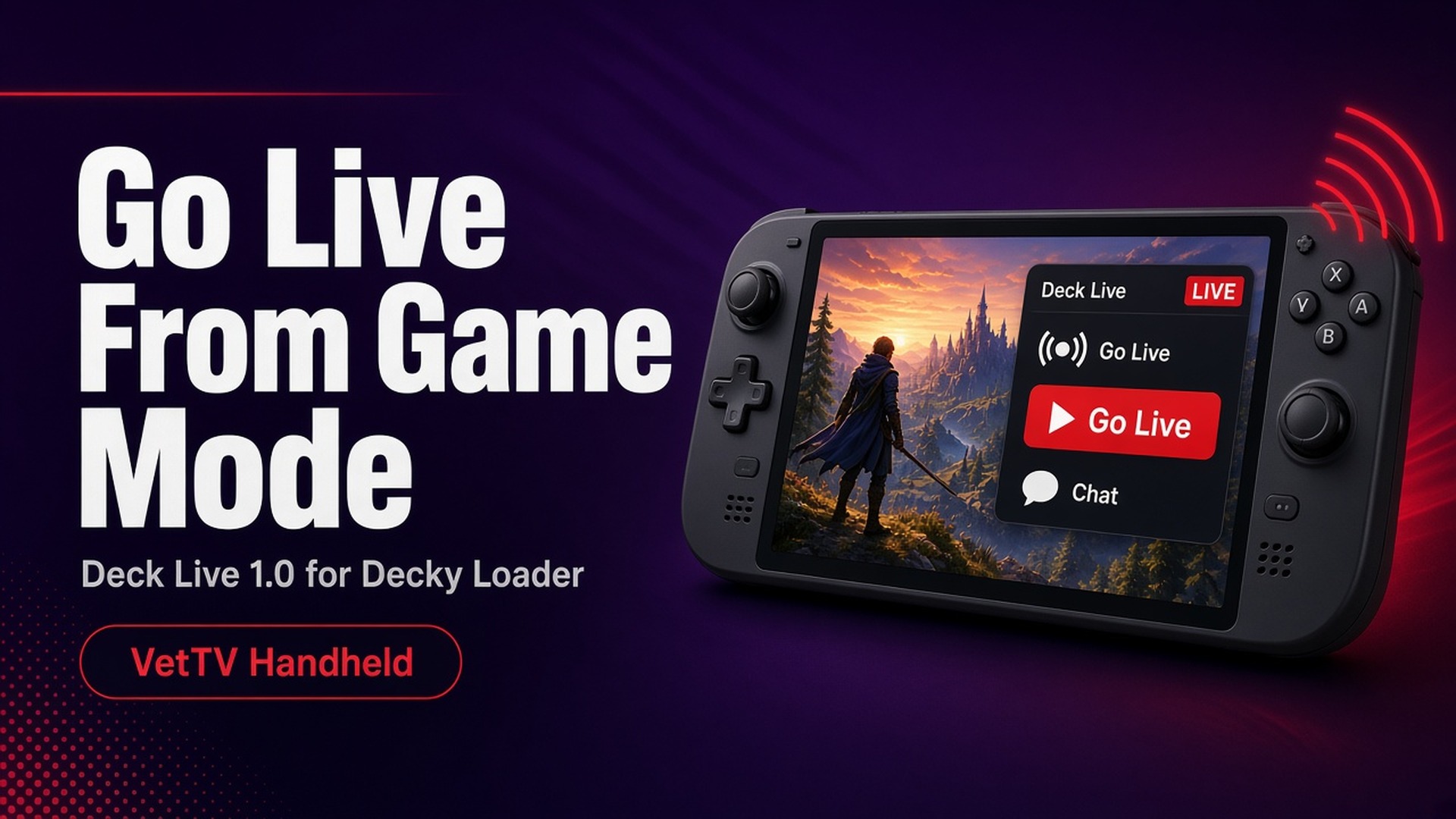
If you’ve ever wanted to go live from a handheld, you know the routine: switch to Desktop Mode, fire up OBS, fiddle with scenes, then try to play. I wanted something simpler. Press a button in Game Mode and you’re live. So I built Deck Live, a Decky Loader plugin that lets you live stream Game Mode gameplay to YouTube or Twitch from the Quick Access menu, without switching to Desktop Mode.
Version 1.0.0 came out on October 12, 2026. Here’s what it does, how to install it, and what it can’t do yet.
What it does
- Pick a platform and paste your key. YouTube or Twitch, with a masked stream-key field. Keys are stored locally only (in a settings file with mode 600), redacted from logs, and never passed on a command line.
- Presets: 720p30, 720p60, 1080p30, 1080p60 (the default), and 1200p60 for 16:10 screens. Wider or taller screens are letterboxed, never stretched.
- Hardware encoding. H.264 through VA-API (vah264enc), falling back to vaapih264enc, then openh264enc, then x264enc if needed. GPU scaling keeps the aspect ratio, and output is constant frame rate.
- Audio. Game audio is captured from the default output’s monitor. There’s an optional mic (off by default) with WebRTC noise suppression, plus separate game-volume and mic-gain sliders.
- A/V sync slider from −500 to +500 ms. The default is −160 ms, tuned on my Legion Go.
- Live health stats: status, uptime, fps, kbps, dropped and duplicated frames, and stall warnings.
- Auto-reconnect. After an unexpected drop it retries after 2, 5, 10, and 20 seconds, then every 30 seconds, for up to 5 minutes. The panel shows “Reconnecting (n)…” and keeps your uptime. Stop cancels it.
- Run Diagnostics. It records a 20-second test to ~/Videos/decky-live-test.flv without going live, then reports the capture source, encoder, audio sources and level, frames vs. expected, stalls, and file length vs. real time.
Twitch specifics
Twitch video is capped at 6000 kbps CBR: 6000 for 1080p60 and 1200p60, 4500 for 1080p30 and 720p60, and 3000 for 720p30. It uses a 1-second buffer, 2-second keyframes, and no B-frames. The panel shows the bitrate you’re actually getting. YouTube keeps the full preset bitrates.
Where it’s been tested
Honesty time: I’ve verified it on one setup. That’s my Lenovo Legion Go running Bazzite (GStreamer 1.28.8), where it streamed 1080p60 to YouTube, smooth and in sync at −160 ms.
It’s not yet tested on SteamOS, including the Steam Deck LCD and OLED. SteamOS may lack some of the GStreamer pieces or PyGObject it relies on. If you try it on SteamOS, I’d love your report.
Requirements
- Decky Loader (API v1), running in Game Mode. Gamescope provides the video source.
- PipeWire with pipewire-pulse.
- GStreamer (tested with 1.28; 1.20+ is likely needed) with the elements listed in the README.
- Recommended: system python3 with PyGObject. It enables the in-process runner with health stats and clean shutdowns. Without it, the plugin falls back to gst-launch-1.0, with no health stats.
How to install
Deck Live is not listed in the Decky Plugin Store. You install it manually from the GitHub release:
- Download Deck-Live-1.0.0.zip from the latest release on GitHub, either on the device in Desktop Mode or copied over.
- In Decky, open Settings (the gear), then General, and enable Developer mode.
- Go to Decky Settings > Developer > Install Plugin from ZIP, browse to the zip, and install. Or use Install Plugin from URL with the release zip link.
- Open Quick Access > Deck Live.
As with any plugin from outside the store, only install it if you trust the source.
Going live
- Open Quick Access, then Deck Live.
- Choose a platform, paste your stream key, and tap Save Key.
- Pick a preset if you want, then tap Go Live.
- If anything looks off, tap Run Diagnostics first.
Known limitations
- One destination at a time, so no multistreaming.
- Twitch uses its global ingest, not the nearest regional server.
- Gamescope only sends frames when the screen changes, so static scenes get filled with duplicate frames. That’s expected.
- If you change audio output mid-stream (say, plugging in headphones), it keeps capturing the old device until a reconnect or restart.
- No bitrate adaptation yet. On weak connections, use 720p.
- Not yet tested on SteamOS.
Why it’s not in the store (yet)
Getting into the Decky Plugin Store means meeting its review requirements, including testing on SteamOS. Right now Deck Live is distributed through GitHub releases with a manual install, which Decky’s wiki describes as a normal manual-install path.
Try it and tell me
If you stream from a handheld, give Deck Live a shot and tell me how it goes, especially on SteamOS and the Steam Deck. Bug reports with your Diagnostics output help the most.
Subscribe at youtube.com/@VetTVHandheld to catch me streaming with it.
Sources
- Deck Live latest release (GitHub): https://github.com/VetTV-Studios/deck-live/releases/latest
- Deck-Live-1.0.0.zip download: https://github.com/VetTV-Studios/deck-live/releases/download/v1.0.0/Deck-Live-1.0.0.zip
- Deck Live README and CHANGELOG (project files, v1.0.0, Oct 12, 2026)
- SteamDeckHomebrew, Decky Loader: https://github.com/SteamDeckHomebrew/decky-loader