SteamOS & Proton Evening: Big Steam Client Stable Update, GE-Proton11-8 and 11-9
Tuesday, October 13, 2026. Valve shipped a huge Steam client update to the Stable channel with Proton by default, a new compatibility tool picker, Big Art Mode, screensavers, and the Pyrowave Remote Play codec. GE-Proton released two versions in one day.
By Vet, VetTV Handheld
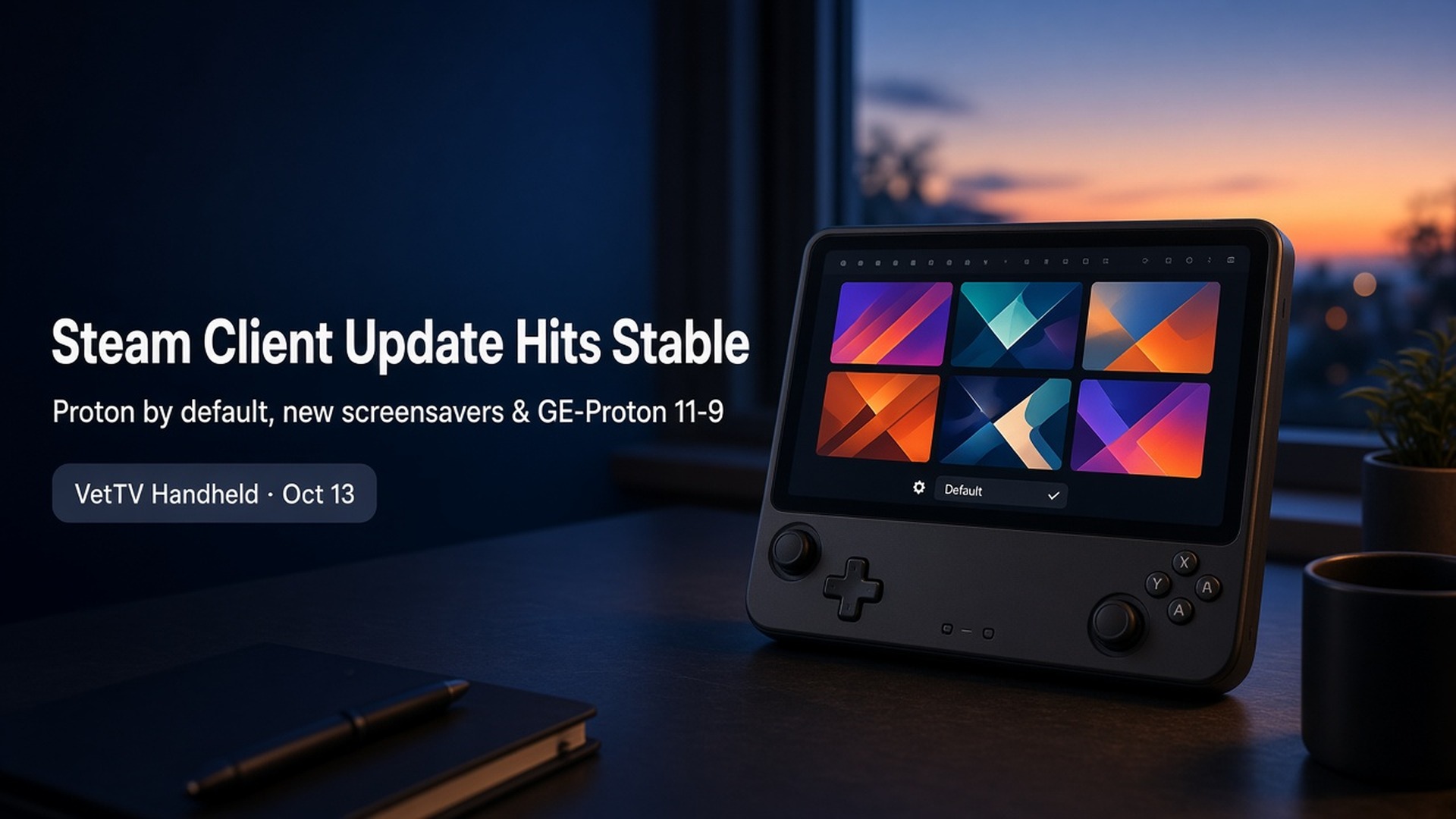
This morning’s roundup covered the Steam client betas. Tonight, a lot of that work reached everyone. Valve pushed a large Steam client update to the Stable channel on October 13, and GloriousEggroll shipped GE-Proton11-8 and GE-Proton11-9 the same day. SteamOS itself didn’t change: Stable is still 3.8.28 and Beta is still 3.9.2.
Lead: Steam client Stable update (October 13)
Here are the highlights from Valve’s notes on steamdeck.com, grouped by what you’ll notice.
Proton and compatibility
- Windows programs added as non-Steam games now run in Proton by default. That’s the change from last week’s beta, and it’s now on Stable.
- The “Select compatibility tool” dropdown is now always visible.
- The recommended compatibility tool (or the Steam runtime for native games) now shows at the top of the list as “Default.”
- Compatibility tool aliases, like “Proton Stable,” can now be picked from that dropdown.
- Fixed Windows games showing “Not Compatible” in the library until you picked a Proton version by hand.
- Under Valve’s Desktop Mode notes: SteamOS compatibility dialogs now appear when installing games that aren’t verified for your hardware.
Home screen and screensavers
- New Big Art Mode for the home screen, in Settings > Home.
- Personal Calendar has been added to the home screen’s Recommended tab.
- New screensavers in Settings > Customization: a game art slideshow (the default), which can show art from recently played games and your recent screenshots, and a retro bouncing logo. Custom screensavers are supported too. Valve says they go in ~/.steam/root/config/uioverrides/screensavers/, much like custom startup movies.
- A setting to disable the screensaver while in a game.
System and quality of life
- A “Default to Desktop Mode” toggle in System settings.
- Faster downloads on high-latency connections.
- Confirmation steps added to “switch to desktop mode” and “exit VR” in the power menu (and removed from “sleep”), plus a warning when a power action would shut down a running game.
- A notification showing the current user when waking from sleep, if several people have used the device recently.
- On-screen keyboard fixes. It no longer pops up when you click a text box with a physical mouse. It shows up again in non-Steam games after toggling Wi-Fi or suspending. It works the first time you call it on the desktop. And dual-trackpad typing no longer drops presses.
- The non-Steam launch fix and the Stop button fix from last week’s beta.
Remote Play
- Pyrowave, a new experimental video codec for high-bandwidth, low-latency streaming. Valve points to the Steam Remote Play discussion group for details.
- Greatly improved Vulkan capture performance, plus better color accuracy, clarity, and brightness.
- Automatic fallback to H.264 when HEVC isn’t available, and HDR disabled when streaming to the OLED Steam Deck.
- No PIN needed just to download an app to a remote device. A PIN is still required to install and stream.
- A recovery dialog if your network can’t handle your current streaming settings.
Steam Input and Steam Controller
- A new configurator view for Steam Input API games that lists actions and their bindings, with a streamlined binding interface. There’s also a new multi-binding page for button combinations.
- Improved CPU performance, more consistent trackpad sensitivity between the Steam Deck and Steam Controller, and a fix for pairing the 2015 Steam Controller.
- Steam Controller firmware: a second BLE pairing slot, better rumble emulation, and a fix for BLE connections disconnecting repeatedly, “especially on Steam Deck.”
Client Preview/Beta (October 13)
The beta channel also got an update tonight:
- Fixed a regression causing Remote Play audio crackling on some systems.
- Fixed extremely low bitrates when streaming to Android devices.
- Fixed hovering DLCs not working in some places.
GE-Proton11-8
GE-Proton11-8 was released on GitHub on Oct 13 (about 3:46 PM CT). Highlights:
- Updated Wine bleeding-edge, DXVK, VKD3D-Proton, VKD3D, DXVK-NVAPI, FEX, and more.
- Automatic PlayStation-to-XInput fallback when Steam Input is disabled. Native controller handling and real Steam Input still take priority.
- Fixed Diablo IV’s DualSense detection at startup and added DualSense Edge compatibility.
- Added XInput support for Switch Pro and compatible controllers.
- Enabled AV1 decoding through dav1d.
- Fixed Resident Evil 4 video corruption and improved its intro playback performance.
- Lots more: VRChat video playback, Wine-Wayland overlay and windowing fixes, and opt-in Bluetooth LE support through an environment variable.
GE-Proton11-9
A few hours later (Oct 13, about 7:14 PM CT), GE-Proton11-9 followed:
- Automatic HDR detection for DX11 (DXVK) and DX12 (VKD3D-Proton) with Wine-Wayland or Gamescope. The old PROTON_ENABLE_HDR and PROTON_USE_HDR variables are no longer required, but HDR must still be enabled in the desktop or in Gamescope. SDR fallback is kept, and DXVK_NO_HDR=1 turns HDR reporting off.
- Fixed Crimson Desert getting stuck after selecting Play or starting a new game, caused by looping menu-video playback.
Since Gamescope runs SteamOS’s Game Mode, auto HDR should matter most on HDR-capable screens like the Steam Deck OLED. That’s my reading; the notes don’t name any device. As always, GE-Proton is a community build, not from Valve.
What applies to my original Legion Go
None of tonight’s notes name the original Legion Go, but several items apply to any SteamOS device, ours included:
- Proton by default for non-Steam Windows programs, the always-visible compatibility tool picker, and the “Not Compatible” fix.
- Big Art Mode, the new screensavers, and the disable-screensaver-in-game setting.
- On-screen keyboard fixes, faster high-latency downloads, and the Default to Desktop Mode toggle.
- GE-Proton11-8 and 11-9, if you use GE builds.
The Go’s original screen isn’t HDR, so the new HDR items won’t change much for us.
Subscribe at youtube.com/@VetTVHandheld.
Sources
- Steam Deck News, “Steam Client Update: October 13th” (Stable) and “Steam Beta Client Update: October 13th”: https://www.steamdeck.com/en/news
- GloriousEggroll, GE-Proton releases (GE-Proton11-8 and GE-Proton11-9): https://github.com/GloriousEggroll/proton-ge-custom/releases
- VetTV Handheld, SteamOS & Proton Daily (Oct 13, 2026 morning edition)